

Video Library
Access the Video Library page for exploring all your videos and Primis Public Videos.
The Primis Video Library guarantees that publishers and their users have the most engaging and highest quality content available.
- Use Quick filters to see your My Video (default view) Recommended or All to see both.
- Primis is constantly partnering with new content providers and adding additional video channels across various verticals. Giving our publishers a more diverse and expansive video library and even more content that users love.
- Amongst some of the top content providers in the Primis video library, are names such as Reuters, Bloomberg, Jukin Media, The Hollywood Reporter, Cheddar, and many more. Helping you to keep users engaged for longer.
- Sort the library by Most Viewed or Recently added , by Category , by Video Orientation
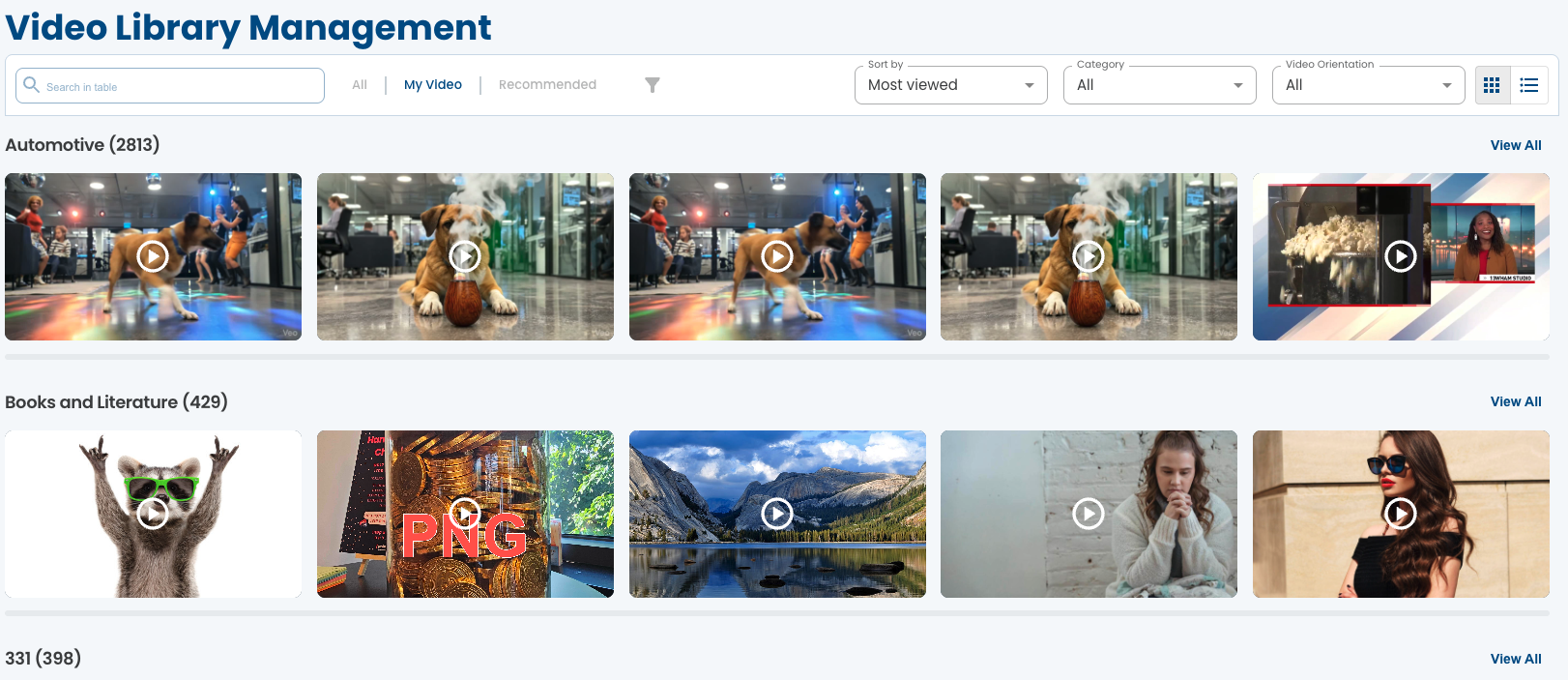
- Click on List View button to change the video library to a list view. The list view displays all your video library as a table for more detailed overview.
Search for Content
- Click the Search Bar.
- Search for content by - title, description, keywords.
- Utilize the search filters to discover great content. For example, search for content according to keywords, Channels, Upload Time, Views range and Custom Parameters.
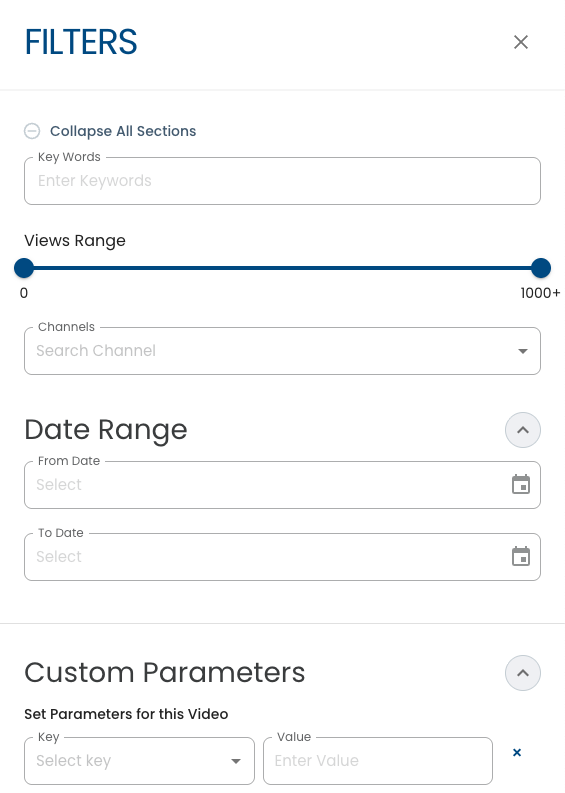
- Click the videos in the Primis Video Library to reveal more information about the content.
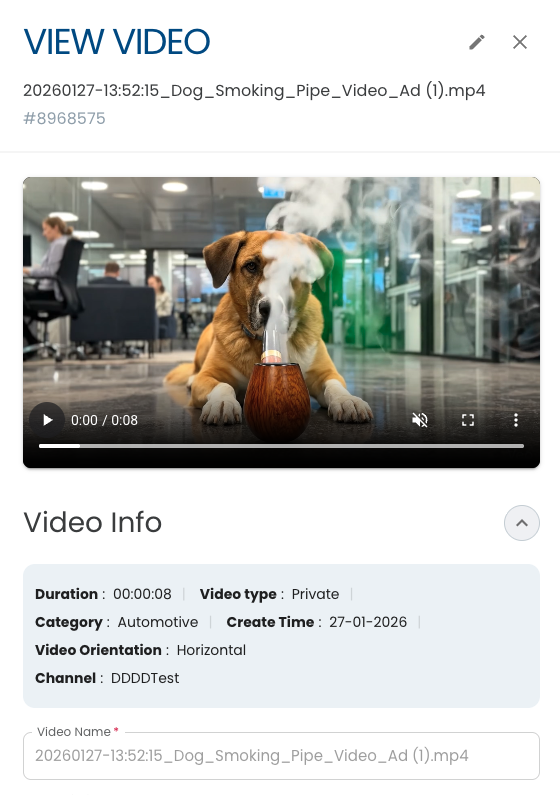
#Edit Video Metadata
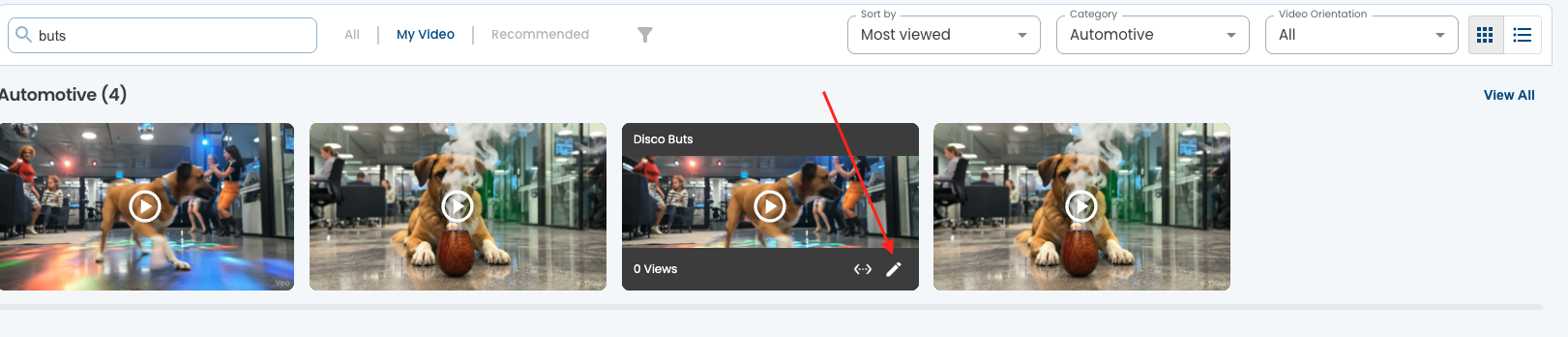
- Hover over a Video to reveal the edit button
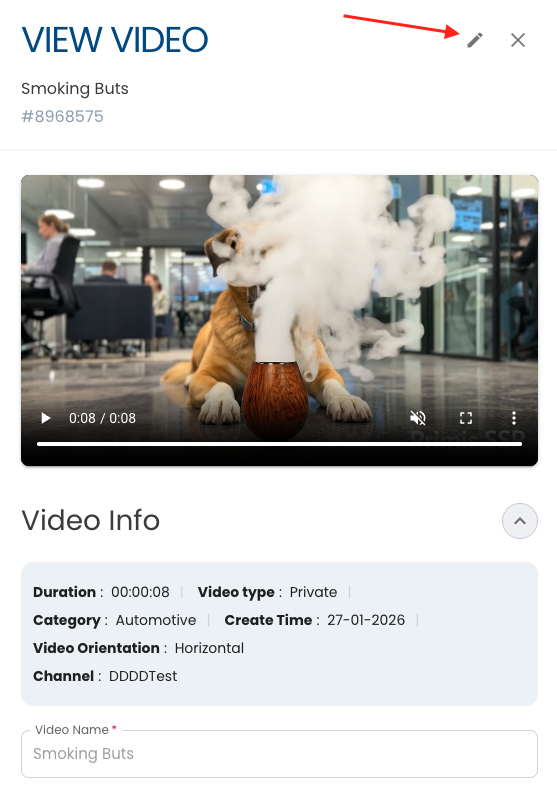
- Click the Edit button to open the edit form in Library View or Edit button inside the video form in list view.
- Click Save to Finish the edit process.
Updated 9 months ago
Did this page help you?